
Data Recovery
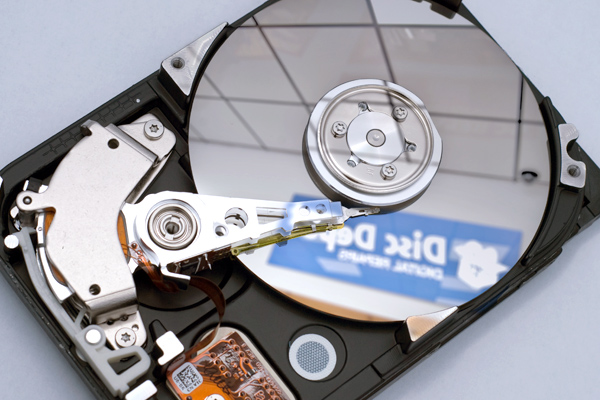
Signs of desktop failure
If your desktop starts to make grinding or clicking noises, or it becomes unresponsive, follow the below tips:
- Turn off computer immediately – further operation may damage data beyond repair
- Do not restart computer
- Do not install or reinstall any software
- Do not shake, disassemble, remove or attempt to clean a suspected damaged hard drive – improper handling may cause more damage
- Do not use file recovery or other utility software to attempt repair for a damaged or failed drive
- Do not attempt to dry a wet computer
- Never attempt to operate any visibly damaged devices
- Contact the specialists at Ontrack immediately
Following these tips will increase the likelihood of success for your desktop recovery.
 Latest threats
- Trend Micro Predicts 2026 as the Year Cybercrime Becomes Fully Industrialized
- Trend Micro Unmasks Global "Task Scam" Industry
- Trend Micro Launches Agentic SIEM to Herald New Era of Proactive Security
- Trend Zero Day Initiative™ Celebrates 20 Years of Industry Leadership
- Trend Micro Reinvents Proactive Security with Digital Twin Technology
IT Hardware- Firecell, CloudRAN.AI collaborate to cut cost and complexity of private 5G 26 February 2026Hot on the heels of the Accelleran merger, purpose-built private 5G connectivity company unveils radio portfolio integration to give system integrators faster, more affordable deployment route across industrial, enterprise sites
- Docomo, Keio University claim 5G robot teleoperation first 25 February 2026Japan's leading mobile operator and global research institute for haptics announce what they call world's first stable, high-fidelity robot via commercial 5G using low-latency slicing.
