
Data Recovery
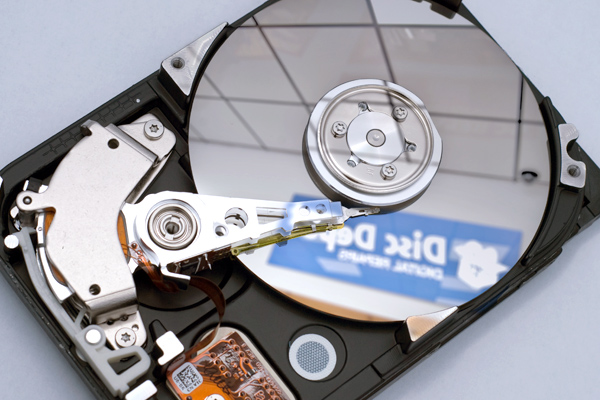
Signs of desktop failure
If your desktop starts to make grinding or clicking noises, or it becomes unresponsive, follow the below tips:
- Turn off computer immediately – further operation may damage data beyond repair
- Do not restart computer
- Do not install or reinstall any software
- Do not shake, disassemble, remove or attempt to clean a suspected damaged hard drive – improper handling may cause more damage
- Do not use file recovery or other utility software to attempt repair for a damaged or failed drive
- Do not attempt to dry a wet computer
- Never attempt to operate any visibly damaged devices
- Contact the specialists at Ontrack immediately
Following these tips will increase the likelihood of success for your desktop recovery.
 Latest threats
- TrendAI™ Research Reinforces Japan's Urgent Cybersecurity Warning as Incidents Surge in 2026
- Introducing TrendAI™ Autonomous Vulnerability Discovery: Next-Generation Threat Remediation at Machine Speed
- TrendAI™ Ranks First on CyberGym Agentic AI Security Benchmark
- TrendAI™ Reports Nation-State Activity in H1 2026 APT Activity Roundup
- TrendAI™ Deploys Claude Opus 4.8 to Advance Vulnerability Detection and Risk Mitigation
IT Hardware- Waste-to-energy firm picks Stackable on Ionos for sovereignty 15 October 2026Munich plant builder Martin centralises 10GB of telemetry per line each day on open-source Stackable, hosted by Ionos, to dodge US hyperscaler lock-in and the US Cloud Act
- Beyond Nvidia: how alternative silicon is reshaping datacentre design 15 October 2026Driven by rising inference demands and power constraints, datacentres are evolving beyond Nvidia dominance toward alternative silicon, custom accelerators and edge sites
